Local AI · Deployment
Local LLM Analytics: Privacy, Cost and Deployment Trade-offs
Running the model yourself can protect control and data residency. It also gives you the GPU bill, cold starts, version conflicts and operational responsibility.
I spent one weekend trying to run modern local models on a new ROG NUC: Core Ultra 9, RTX 4070 with 8GB VRAM and 32GB RAM. Qwen, QwQ and DeepSeek models in the 8B to 32B range all taught me the same uncomfortable lesson. VRAM is the wall.
Once a 32B model spills into normal RAM, inference becomes a CPU-GPU shuffle over PCIe. It works, with enough tuning of context, layers and offload, but it is fragile and slow. A similarly priced Mac with 24GB unified memory handled the larger models more steadily. Not necessarily faster per token, just without the same VRAM cliff.
I kept the NUC. It is a good machine for CUDA work, development and smaller models. The experiment was a useful reminder that “local AI” is physical: memory architecture, model size, runtime, startup time and somebody paying for the machine.
The attractive claims are still real. You can keep data inside your infrastructure, pin the model, avoid a per-token bill and work without an external service. Then the model takes 90 seconds to start, a runtime update breaks tool calls and the GPU sits idle all weekend. I like local AI. I just do not think the word local settles the trade-off.
Define the deployment boundary
People often collapse local execution, private hosting and open-weight models into one thing. They are not equivalent. A model may run on an analyst’s laptop, an office workstation, a data-centre GPU, a private-cloud instance or a European hosting provider. A managed external endpoint can use open weights without being local at all.
Before choosing, I want to know where the weights run, where prompts and responses are stored, who can connect to the endpoint, whether requests are logged, which data enters the model context and whether the runtime sends telemetry. Credentials and model configuration need protection as well.
An open-weight model behind an unsecured endpoint is not private. Equally, a server in the same building with broad administrator access may be less controlled than a properly isolated cloud service. The network and operational boundary matters more than the label.
A working reference point
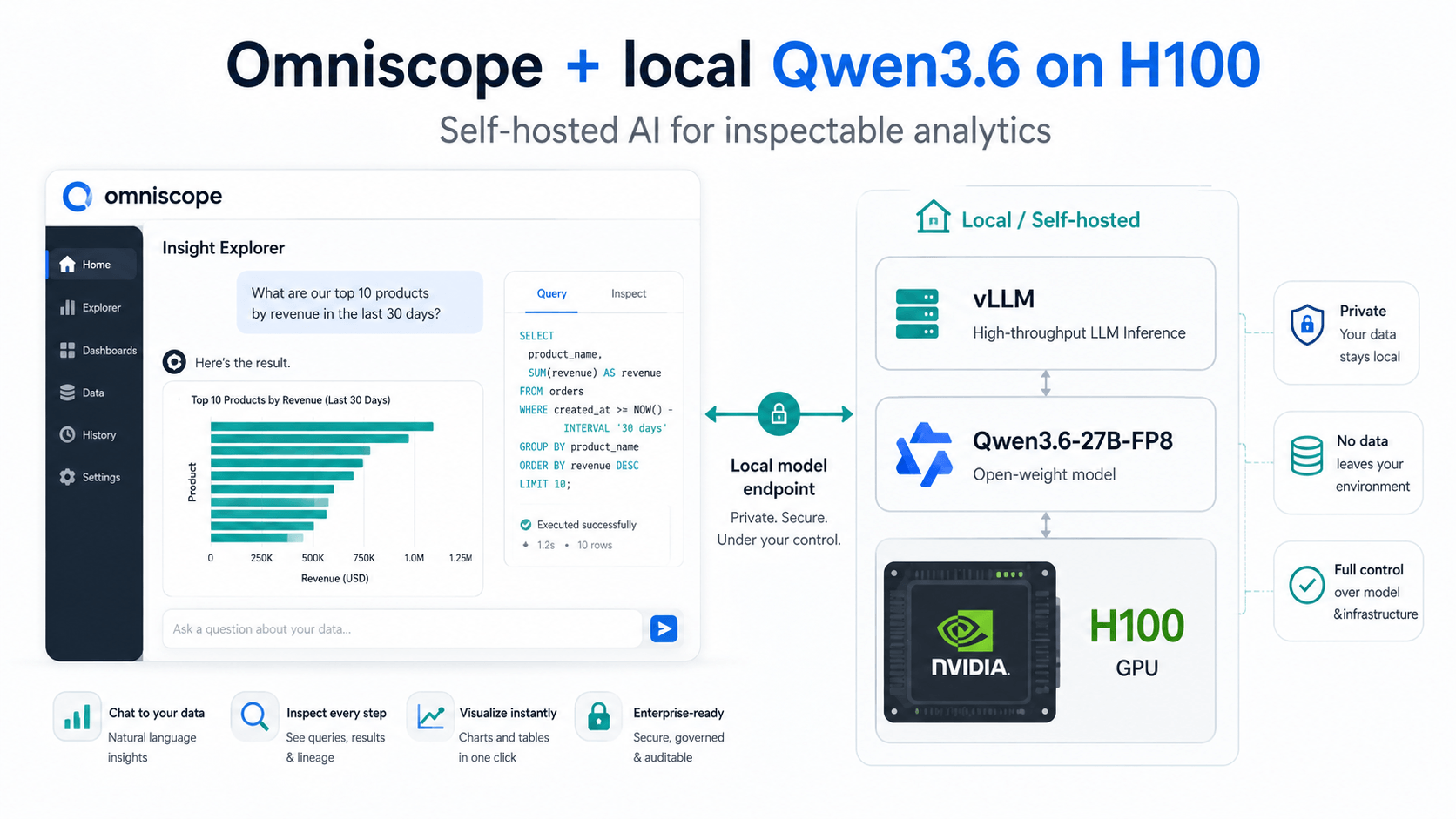
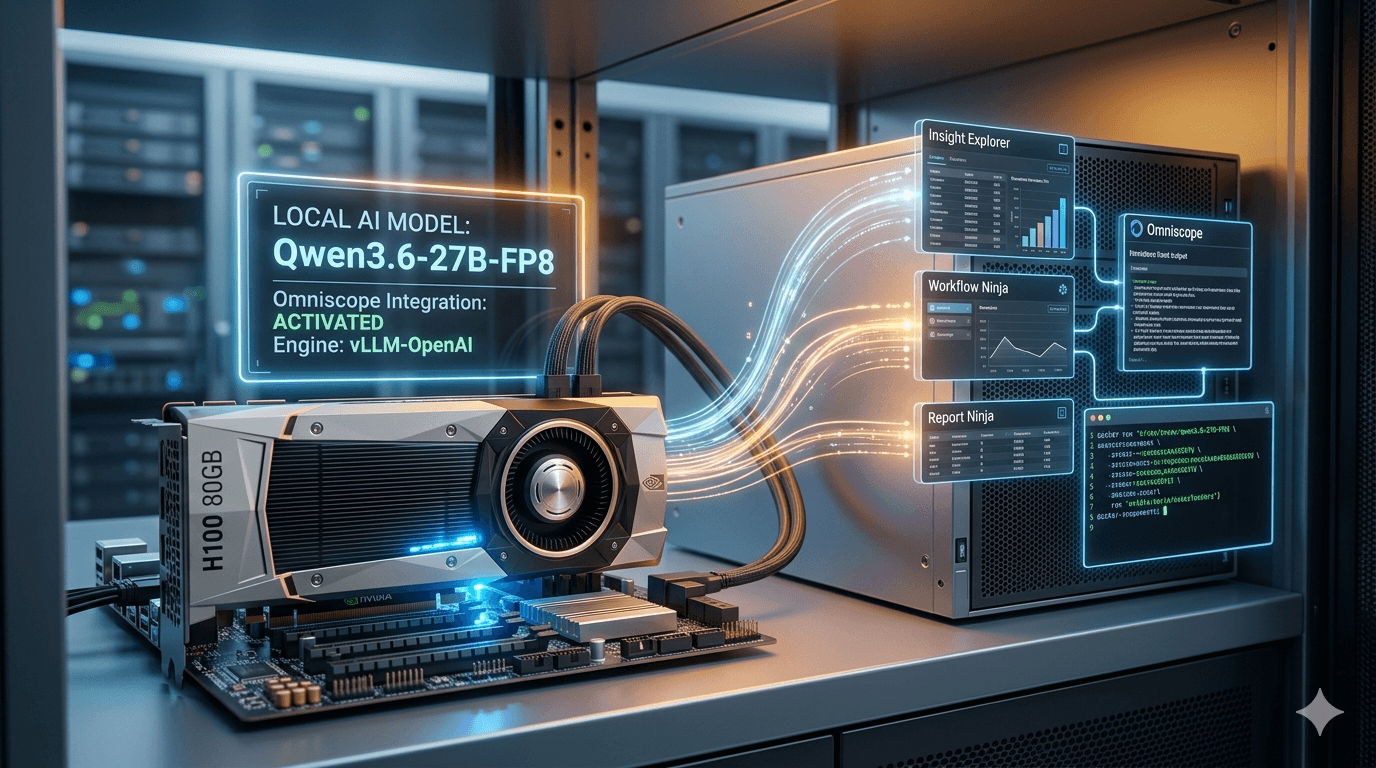
In May 2026 I tested a specific configuration for real Omniscope analytical work:
- Omniscope 2026.1 b22470 or later;
- Qwen3.6-27B-FP8;
- vLLM 0.20.1;
- one NVIDIA H100 with 80GB memory;
- a current NVIDIA driver, container runtime and sufficient disk for images and model files.
I tested multi-step Insight Explorer questions, Instant Dashboard and AI Insights. Generating nice prose was not the test. The model had to reason over schemas, call tools and return structured output that Omniscope could actually consume.
The first start took roughly 60–120 seconds while vLLM compiled CUDA graphs and
Triton artefacts. In Omniscope, the provider uses the endpoint base URL without
a /v1 suffix because Omniscope appends the OpenAI-compatible path itself.
The full Docker command and launch flags are in the linked setup guide.
This was a known-working point, not a timeless recommendation. Things move very
fast in this space, so treat anything more than a few months old with
suspicion. Pin exact versions in production. Do not use latest.
Privacy and control
The strongest case for local inference is control over the data path.
For regulated, confidential or commercially sensitive work, an organisation may need to ensure that prompts and source data do not leave a controlled environment. It may need to run in a disconnected network. It may need to choose when a model is updated rather than accepting a provider change.
Local deployment can support those requirements, but it also transfers the work. Somebody has to secure the endpoint, authenticate callers, restrict the network, patch the host and runtime, manage retention, review the model licence and provenance, monitor resources and document what is running. Private analytics also needs controlled access to its source data and tools. Installing weights is only one part of it.
Cost: token bill versus utilisation
Cloud APIs make cost visible per request. Local infrastructure turns much of that cost into capacity.
In the May test, a GCP Spot H100 was approximately $2–2.50 per hour. Left running continuously, that is roughly $1,500 per month before the other operational costs. Idle cost is the GPU, so configure an auto-shutdown.
That does not mean the setup costs $1,500 per month. An auto-shutdown machine used for a few intensive sessions may cost a fraction of that. Equally, a GPU that sits idle for most of the day can make a cheap-looking per-token calculation meaningless.
A fair comparison includes model storage, idle and cold-start GPU time, engineering and upgrades, monitoring, security, failed experiments, concurrency and the fallback used when the local service is unavailable. Then compare that with the API cost for the same real task. Price per million tokens on one side and a GPU hourly rate on the other do not tell you which completed work more cheaply.
Utilisation changes the answer
If many users submit steady workloads, owned or reserved capacity can be efficient. If requests are occasional and bursty, an API may be cheaper and operationally simpler. If data cannot leave the perimeter, price may be a secondary constraint.
There is no universal winner here. The workload decides.
Quality versus hardware footprint
Larger models tend to need more memory and may deliver stronger reasoning, but the NUC experiment showed why model size alone is a poor deployment plan. Quantisation can make a model fit, while the remaining CPU-GPU shuffle still makes it unpleasant to use. A smaller model may respond quickly but fail on multi-step joins; a stronger reasoning model may produce the right plan too slowly for an interactive application.
For analytics, test at least:
- schema interpretation;
- function or tool selection;
- valid structured output;
- multi-step planning;
- recovery from a tool error;
- calculation explanation;
- instruction following under realistic context sizes;
- latency from the user’s perspective.
A benchmark score cannot tell you whether the model will reliably emit the JSON your report builder expects. That is why the May test used real Omniscope workloads rather than a generic model conversation.
Model, runtime and parser as one system
One of the less glamorous lessons from local deployment is that “the model” does not operate alone.
The behaviour depends on a combination of:
model weights
  + tokenizer and chat template
  + inference engine
  + reasoning/tool-call parser
  + launch flags and version
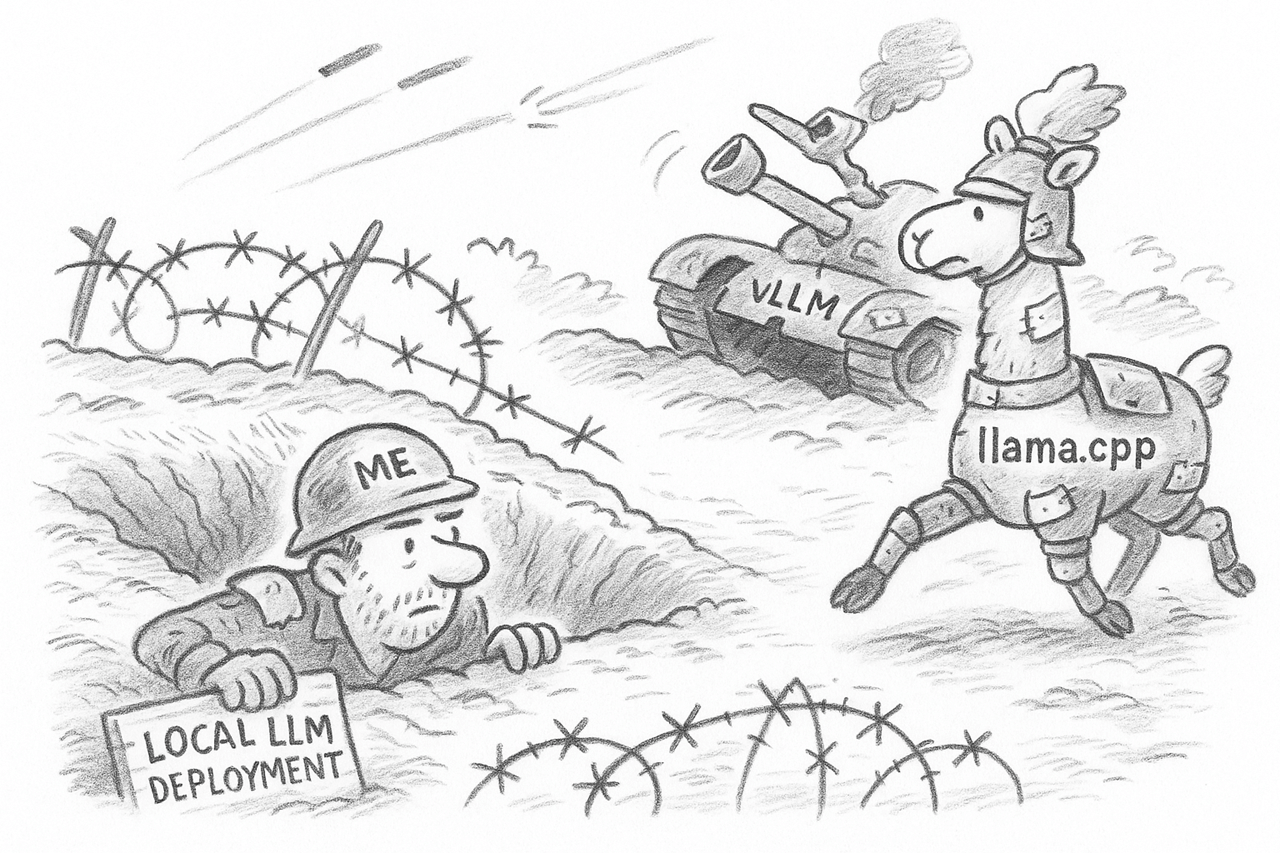
In 2025 we tested GPT-OSS through different engines. Some combinations produced confident text describing a tool call without actually making one. Others parsed the same model correctly. In that particular period, llama.cpp proved more reliable for the interactive workflow than vLLM.
That was not a permanent verdict on either engine. It was a reminder that OpenAI-compatible endpoints are not behaviourally identical.
Latency and cold starts
The H100 configuration took roughly 60–120 seconds to start without a warm cache. That is manageable for a scheduled service with auto-shutdown, but it is not invisible. The application still needs a sensible answer for what users see during startup, how concurrent requests queue and whether smaller jobs use another model.
Local does not necessarily mean low latency. A nearby overloaded GPU can be slower than a well-operated remote endpoint.
Portability and dependence
Self-hosting reduces one kind of vendor dependence and can create another: GPU availability, a particular serving engine, one prompt format, custom parsers, cloud-specific machine images or specialist knowledge held by one engineer.
The safest design keeps the application above the model interface as portable as practical. In Omniscope we want the analytical tools and resulting workflows to remain useful whether the model is Qwen, GPT, Claude, Gemini or something that does not exist yet.
Model neutrality is not about changing providers every week. It is about making the choice reversible.
Local, cloud or hybrid?
I would choose based on workload rather than ideology.
Prefer local or private inference when
- source data must remain inside a controlled perimeter;
- disconnected operation is required;
- model configuration must be pinned;
- workload is steady enough to use the hardware;
- the organisation can operate the service;
- a suitable model meets the application-quality threshold.
Prefer a cloud API when
- frontier capability materially improves the outcome;
- workloads are intermittent;
- fast deployment matters more than infrastructure control;
- the provider’s data terms and security controls are acceptable;
- the team does not want to operate GPUs.
Use a hybrid approach when
- sensitive workloads stay local while general tasks use frontier models;
- a small local model handles routine work and a stronger remote model handles difficult plans;
- the cloud is a controlled fallback;
- different projects have different residency requirements.
Hybrid is often the most honest answer. Not every dataset has the same risk, and not every question needs the same model.
A deployment checklist
Before calling a local model “production ready”, I would want:
- a documented threat and data-flow model;
- authenticated, network-restricted endpoints;
- explicit prompt and response retention;
- a pinned model, runtime and template combination;
- tool-call and structured-output tests using real analytical tasks;
- capacity, latency and concurrency measurements;
- auto-start, health checks and auto-shutdown where appropriate;
- monitoring of errors and GPU utilisation;
- upgrade and rollback procedures;
- a cloud or manual fallback for important work.
Running the weights is the beginning, not the deployment.
Choosing for the workload
I do not want every analytical workload forced into a public model. I also do not want teams buying expensive GPUs to satisfy a slogan.
For the May setup, Qwen3.6-27B-FP8 on one H100 gave us the best balance of quality, speed and tool-calling reliability among the combinations we tested. That is a dated result for a particular workload, which is exactly why the model choice should remain replaceable.
Keep sensitive work local when that boundary is required. Use a frontier API when its capability and operating model make more sense. Mix them when projects have different risks. I mainly want to be able to change that decision without rebuilding the data preparation, reports and analytical workflows around it.